Mainstage Patches – what they are and how to play live with them
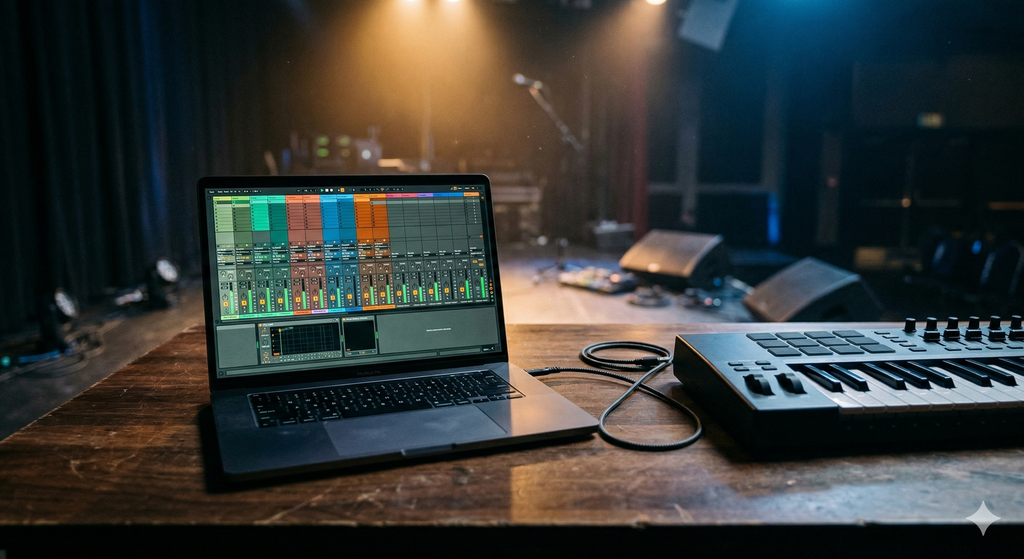
Mainstage Patches – what they are and how to play live with them
If you're looking for keyboard sounds for your cover band, you'll sooner or later stumble upon the term "Mainstage Patch". Many keyboardists first think of a specific keyboard model. This is a misunderstanding – and it's worth clarifying briefly. Because Mainstage is one of the most powerful solutions for live keyboardists out there.
What exactly is Mainstage?
Mainstage is a software from Apple – not a keyboard, not a hardware synthesizer. The program runs on a Mac and transforms it into a fully-fledged live sound platform. You connect any MIDI keyboard, load your sounds, and start playing directly.
Mainstage costs a one-time fee of €29.99 in the Mac App Store and already includes a huge library of instruments and sounds. In addition, there are thousands of free sample packs from Apple that can be integrated directly into Mainstage.
In short: Mainstage is what runs on your Mac. Your keyboard is just the interface for it.
What is a Mainstage Patch?
In Mainstage, a patch is a single sound or a combination of several sounds that you recall at the touch of a button. A patch can be, for example:
- A single piano
- A piano with a string layer over it
- A split sound: bass on the left, organ on the right
- A complete live sound for a specific song – with multiple layers, effects, and the perfect volume balance
Multiple patches are combined into a Concert. A Concert is your complete setlist – you flip from song to song, and the right sound is immediately available.
Why Mainstage for a cover band?
Mainstage is interesting for many cover band keyboardists because it offers a flexible and cost-effective platform – especially if you already have a Mac or work with Apple devices anyway.
- Huge sound library included. Mainstage comes with an extensive collection of instruments and sounds – piano, strings, organ, synthesizers, brass. Apple provides thousands of additional sample packs for free.
- Works with any MIDI keyboard. From affordable entry-level controllers to professional synthesizers – if your keyboard can do MIDI, it works with Mainstage.
- One-time purchase price. €29.99 in the Mac App Store, no subscription, no recurring costs.
- Buy ready-made Concerts and play directly. If you don't want to program yourself, you can buy ready-made Concerts and be gig-ready within minutes after importing.
What's in my Mainstage Concerts?
My Concerts are specifically designed for live use in a cover band – not for studio headphones. This means specifically:
- Sounds are tuned for PA systems and monitors – so they sound good on stage, not just at home
- Volumes are matched so you don't have to readjust between songs
- Splits and layers are set up to be immediately playable
- Exclusively Mainstage's own instruments and the AU sampler – no third-party plugins, no additional costs
- Each Concert includes installation instructions with all the necessary steps
Import, connect keyboard, play.
What keyboard do I need for Mainstage?
This is the most frequently asked question. The answer: almost any.
Mainstage communicates via MIDI. As long as your keyboard can output MIDI – via USB or a classic MIDI cable – it works with Mainstage. This applies to simple controller keyboards as well as professional synthesizers like the Korg Kronos, the Nord Stage, or the Roland Fantom.
The only prerequisite: a Mac with macOS. Mainstage does not run on Windows.
Buying Mainstage Patches – what to look out for?
There are free and paid patches and Concerts. The difference usually lies in the depth of programming and the support.
What you should look for when buying:
- Mainstage version: Patches are often optimized for a specific minimum version. Make sure your version is compatible.
- Required plugins: Some Concerts use third-party plugins. The best Concerts come without them – they only use Mainstage's own instruments and the AU sampler. No additional costs, no compatibility issues.
- Live optimization: A sound that sounds good in the studio often sounds flat or dull on a PA. Professional live patches are specially tuned for stage sound reinforcement.
- Documentation: Is there an installation guide? Is it documented which samples are needed?
My Mainstage Coversounds
All my Mainstage Concerts are programmed exclusively with Mainstage's own instruments and the AU sampler. You don't need any additional plugins, no expensive sample libraries. Import, connect keyboard, play.
The sounds are live-optimized – developed and tested in real gig situations, not with studio headphones.